Pick the product and the colours
Choose on-model photos from your catalog, or upload them. Pick colours from your brand library, or match one from a photo of the real fabric.
Acuarela · by Adwaizer
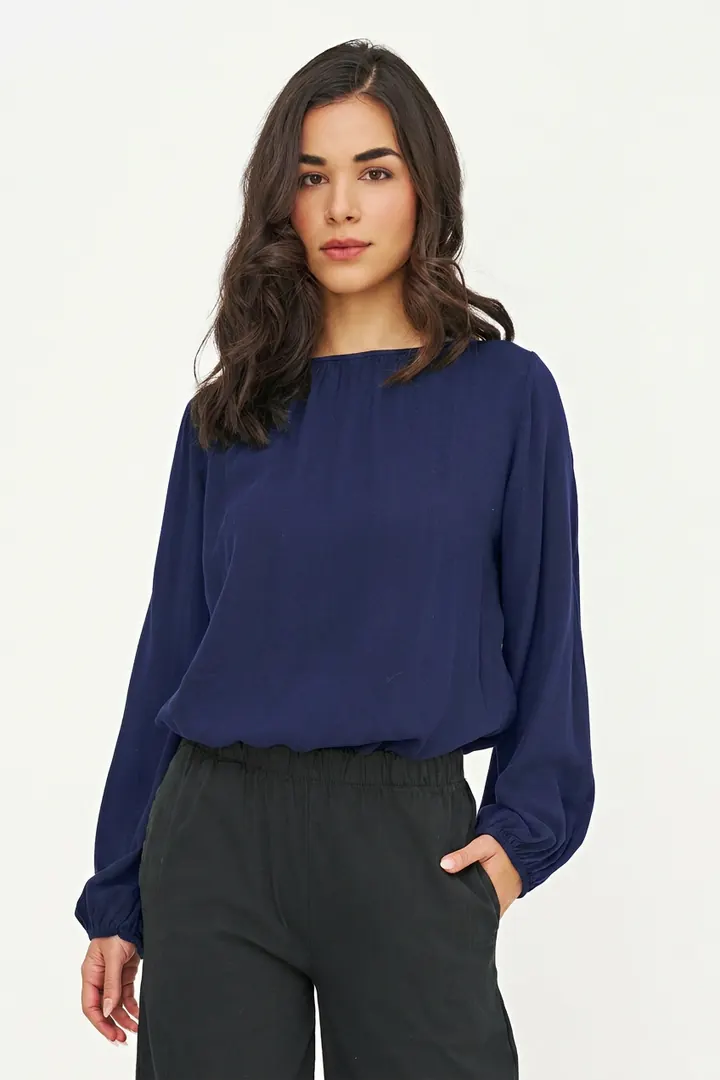
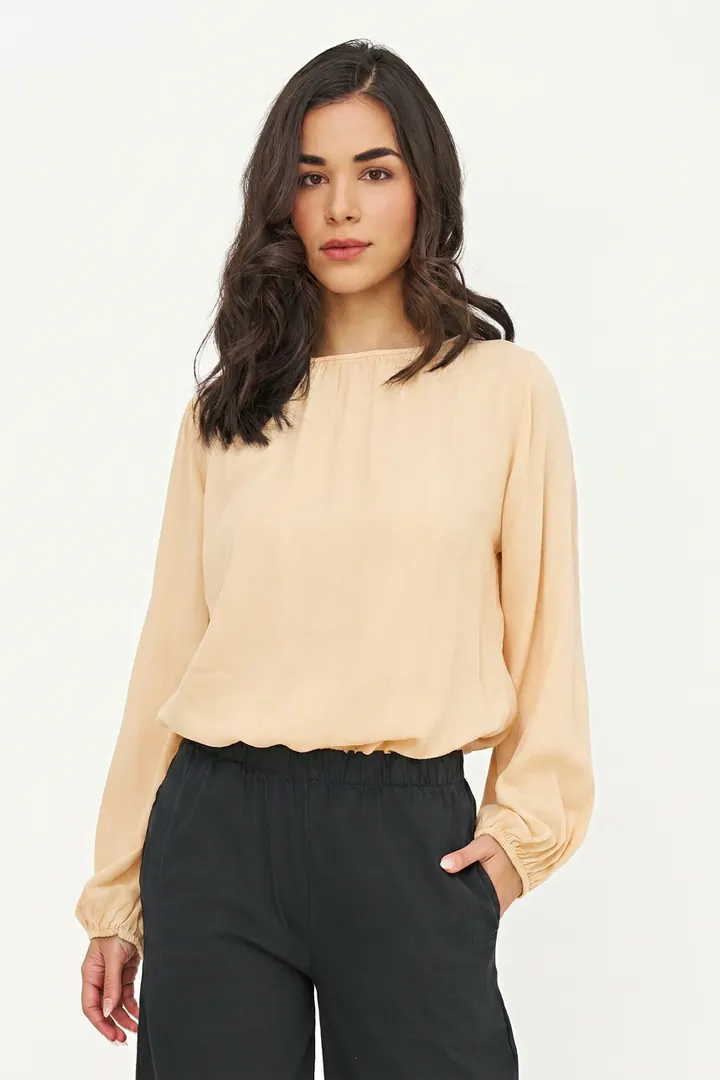
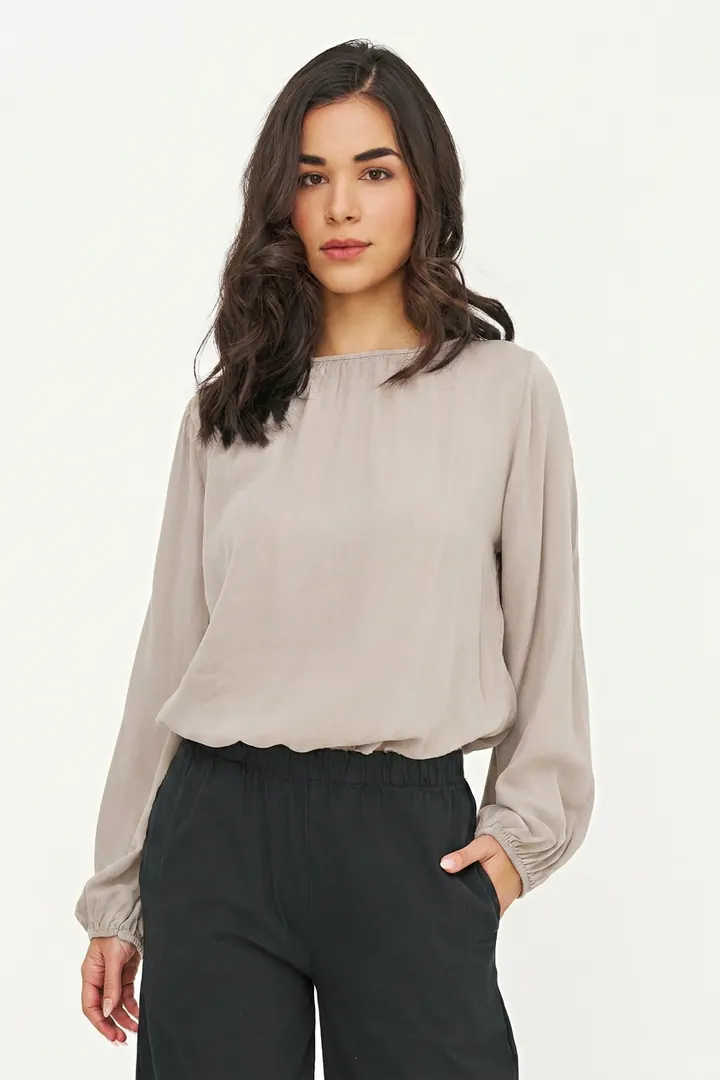
Acuarela turns one on-model photo into every colourway of the garment: the same model, pose, light and fabric, with only the dye changed. Approved by you, then published straight to your Shopify swatches or your line sheet.
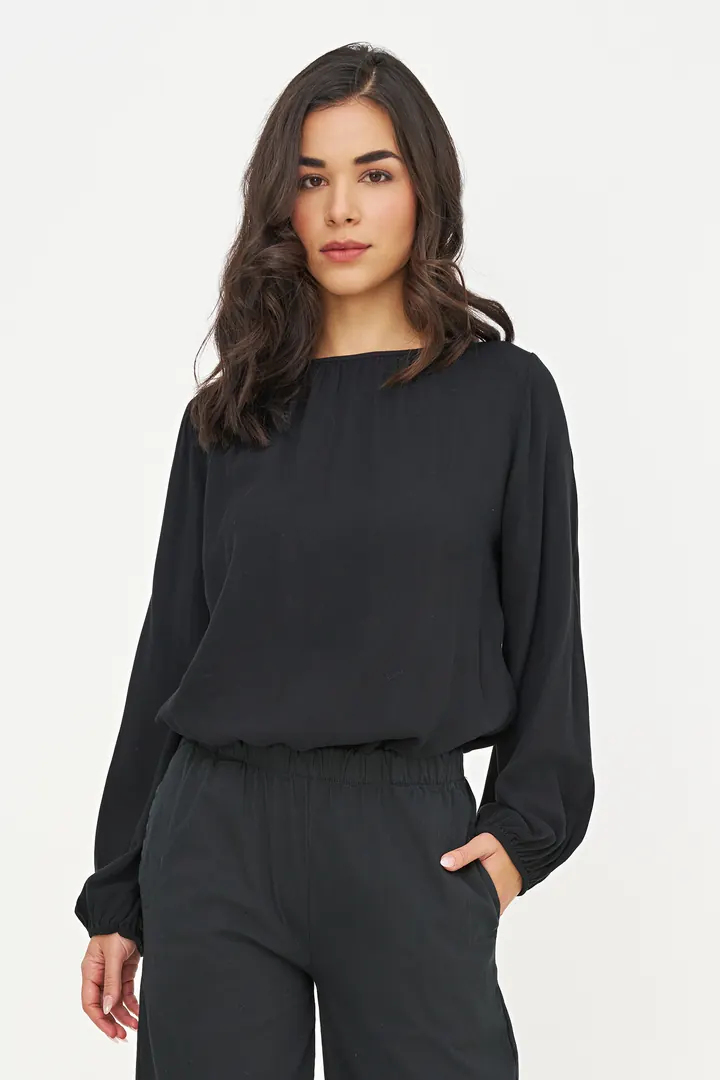
Tap the photo to dye it
The proof · style 10-12930Z
A real catalog style: four poses shot in one colour. Acuarela made every other square. Same face, same pose, same light, same crinkle in the fabric. Can you tell which column was photographed?
Which column was photographed? One guess. Then we tell you.
How it works
Runs inside your Shopify admin, or in the browser for houses that sell wholesale. A person approves every colour before anything goes live.
Choose on-model photos from your catalog, or upload them. Pick colours from your brand library, or match one from a photo of the real fabric.
Fast drafts first, then 1500 × 2250 finals. Approve, retry or re-render each colour. You see what a job will use before you start it.
Approved images go to the product and onto each colour variant, so clicking a swatch shows the matching photo. Or download them named for your line sheet.
Built for catalogs
Most AI photo apps bolt recolour onto models, backgrounds and video. Acuarela does colourways from real on-model photography, and nothing else.
Identity lock
Model, pose, lighting, drape and weave hold across every colour. That is the whole product.
Brand colour library
Save colours once by name and hex, or sample one from a photo of the actual fabric. The same names map to your Shopify colour variants.
Variant assign
Each approved image becomes its colour variant’s image in Shopify.
Line sheet pack
Download a zip that drops into NuORDER, JOOR or Brandboom without renaming.
Human review
Draft, then final. Approve, retry or re-render. Nothing reaches your store until you say so.
Plans, not credit packs
A monthly image allowance. The app shows what a job will use before it runs. When the allowance runs out, you upgrade or wait for next month.
Web studio
Wholesale labels and houses on other platforms get the same engine and the same plans in the Acuarela web studio, with the line sheet download. Open by invitation.
The maths
Move the sliders to match a month of new styles. You shoot one colour; Acuarela makes the rest.
120 finished images at $50–$75 each, plus samples to ship for every colour.
Brand plan. Uses up to 240 of 500 images, counting a draft and a final for every render.
Reshoot range is our reference for small-studio e-commerce photography per finished image; it leaves out samples, shipping and scheduling. Acuarela counts both a draft and a final per image, which is the most you would use.
Pricing
Same plans on Shopify and in the web studio. An image is one generated colourway of one photo. Cancel any time.
Billed on your Shopify invoice. Runs in your admin.
apps.shopify.com/acuarelaUpload photos, download a line sheet pack. Card billing.
Request an invitePrices in USD. Draft previews and final renders both count toward the allowance. Finals are 1500 × 2250 px.
The studio behind it
We are an applied-AI studio in Canada. Acuarela is what we build now: a narrow tool, held to a high bar, that fashion teams use every week. The same people still take on consulting and teach what we learn.